Help:DMS-Active Company Jobs
From DirectWiki
Active Company Jobs
This screen displays the Active Company Jobs which match the selections made on the previous screen.
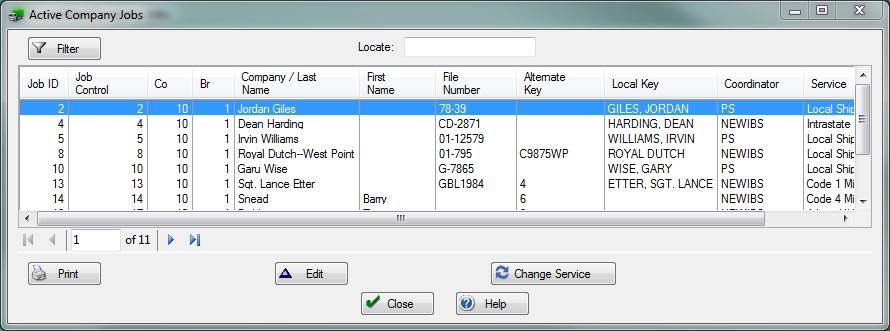
This screen displays the current Active Company Jobs in a standard list box. The desired entry can be quickly located by using the Locator: field.
[Filter] Press this button to open the Active Job Selections screen. You can re-filter the listing.
[Print] Press this button to print the information listed on this screen.
[Edit] Press this button to change the highlighted record.
[Change Service] Press this button to change the Service Control of the currently selected Job.
[Close] Press this button to close this window and return to the previous screen.
[Help] Press this button to call the Help Screen.

