Help:DM1-Van Line Transaction Logs
This screen allows you to view Van Line Transaction Logs for multiple Jobs over a specified period of time.
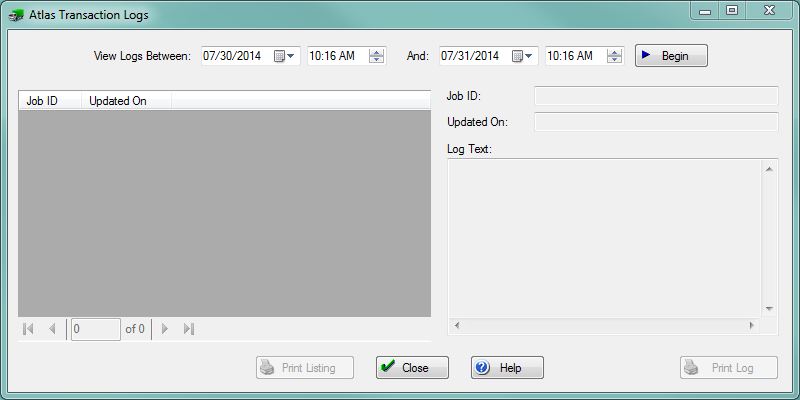
View Logs Between... And: Select the beginning and end spread date and time.
File:BeginButton.PNG Press this button to retrieve the logs.
Job ID: This displays the Job ID of the currently highlighted record.
Updated On: This timestamp was the last time the transaction log for the currently highlighted record was updated.
Log Text: This displays the contents of the log. New items are appended to the end of the log's text.
[Print Listing] Press this button to print the grid of transaction logs.
[Close] Press this button to return to the previous screen.
[Help] Press this button to call the Help screen.
[Print Log] Press this button to print the currently highlighted log.


