Help:DM1-Shipment Reports Menu
From DirectWiki
Shipment Reports Menu
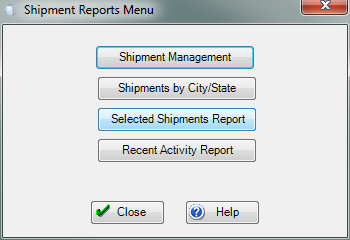
This window gives you access to the Shipment Reports.
[Shipment Management] Press this button to open the Shipment Management Report.
[Shipments by City/State] Press this button to open the Shipments by City/State Report.
[Selected Shipments Report] Press this button to open the Selected Shipments Report.
[Recent Activity Report] Press this button to open the Recent Activity Report.
[Close] Press this button to close this window and return to the previous screen.
[Help] Press this button to call the Help Screen.

