Help:Common-File Action Maintenance
From DirectWiki
Images - File Action Maintenance
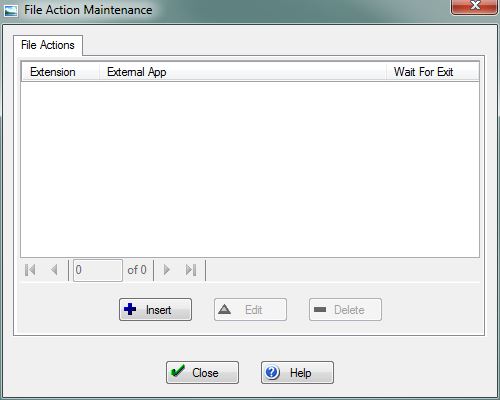
This screen allows you to manage File Actions in the system. Along with Extensions, File actions help you determine how you want a particular file type to be opened.

|
Important: A corresponding Extension record must be present in the database in order to manage it's File Actions. Extensions can be added here. |
File:InsertButton.PNG Press this button to open the Add File Action screen and add a new File Action to the system.
File:EditButton.PNG Press this button to open the Edit File Action screen and change an existing record.
File:DeleteButton.PNG Press this button to delete the selected File Action record. You will be prompted to confirm the deletion.
File:CloseButton.PNG Press this button to return to the previous screen.
File:HelpButton.PNG Press this button to call the Help Screen.


