MoverBiz:Screenshots-Modern User Interface: Difference between revisions
From DirectWiki
added picture headings |
added back button |
||
| Line 1: | Line 1: | ||
__NOTITLE__ | __NOTITLE__ | ||
{{Page title|Modern User Interface}}<br/> | {{Page title|Modern User Interface}} | ||
[[MoverBiz:Screenshots|<< Back to screenshots]]<br/><br/> | |||
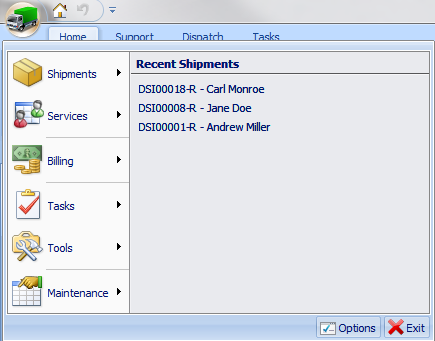
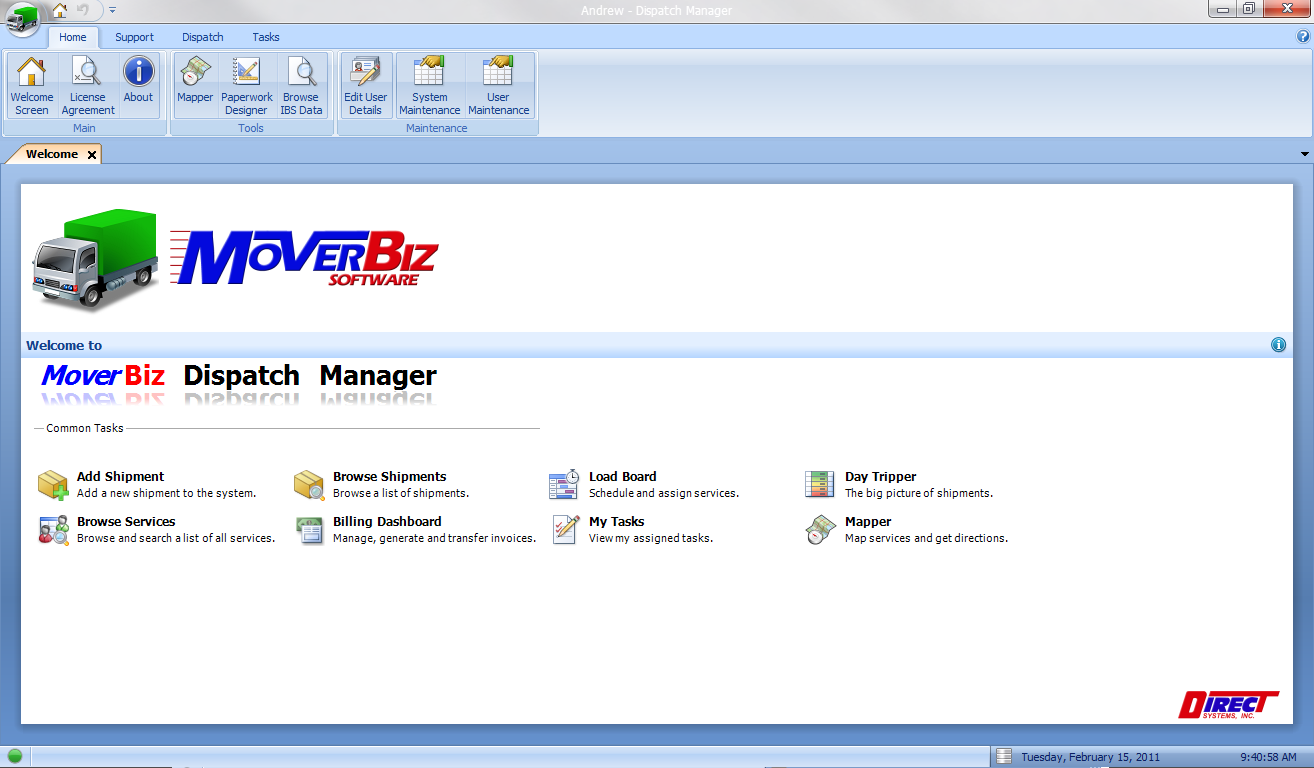
All of the MoverBiz modules sport a sleek and modern user interface. The main form uses the familiar Office 2007 Ribbon UI, formally known as Fluent, with a main menu button that provides access to every function in the system.<br/><br/> | All of the MoverBiz modules sport a sleek and modern user interface. The main form uses the familiar Office 2007 Ribbon UI, formally known as Fluent, with a main menu button that provides access to every function in the system.<br/><br/> | ||
==== Welcome Screen ==== | ===== Welcome Screen ===== | ||
[[File:WelcomeScreenReflectiveLogo.png|link=]]<br/><br/> | [[File:WelcomeScreenReflectiveLogo.png|link=]]<br/><br/> | ||
==== Main Menu ==== | ===== Main Menu ===== | ||
[[File:MainMenu.png|link=]] | [[File:MainMenu.png|link=]] | ||
Latest revision as of 19:48, 16 February 2011
Modern User Interface
<< Back to screenshots
All of the MoverBiz modules sport a sleek and modern user interface. The main form uses the familiar Office 2007 Ribbon UI, formally known as Fluent, with a main menu button that provides access to every function in the system.
Welcome Screen
Main Menu